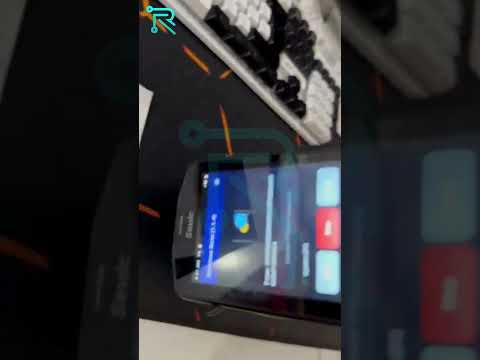
Real RFID Hardware & Controller LAN Setup Demonstration Demo
Connecting Industrial Fixed Reader / Gate Controller to PC over Ethernet LAN
Live walkthrough & hardware operation testing. For itemized pricing, technical datasheets, and bulk procurement, view the official Real RFID Hardware & Controller LAN Setup Demonstration product catalog page.
About this Video Demonstration
Live field demonstration connecting an industrial RFID reader and gate controller to a laptop over Ethernet RJ45. Demonstrates setting static IP, subnet configuration on 192.168.1.x, launching the PC diagnostic software, calibrating sensitivity, and verifying live TCP socket communication.
Key System Capabilities & Features
- ✓ Direct RJ45 Ethernet connection between laptop and RFID controller
- ✓ Static IP subnet configuration (192.168.1.x) and port mapping
- ✓ Live PC diagnostic software connection and antenna sensitivity calibration
- ✓ Real-time buzzer and strobe alarm triggering on valid tag read
Looking for Complete Technical Specifications & Datasheets?
Detailed dimensions, electrical ratings, read range benchmarks, and RF compatibility are available on the official hardware datasheet.
RFID Deployment Sizing & Engineering Tools
Validate link budget, tag selection, and hardware compatibility for this equipment setup:
Frequently Asked Questions
How do you configure a static IP address on fixed RFID readers for warehouse LAN integration? ▼
Connect the reader to your PC via Ethernet cable, set your PC network adapter to the reader's default subnet (typically `192.168.1.x`), open the reader's web configuration interface or SDK discovery tool, and assign your enterprise static IP, gateway, and DNS.
Can fixed RFID readers and controllers be powered entirely over Power-over-Ethernet (PoE+)? ▼
Yes. Modern fixed readers (such as Zebra FX9600, FX7500, and Impinj R700) support IEEE 802.3at PoE+ (up to 30W), delivering power and Gigabit Ethernet data through a single Cat6 network cable without requiring local AC power outlets at ceiling portals.
How do you isolate industrial RFID reader network traffic from general office Wi-Fi traffic? ▼
Configure a dedicated VLAN (Virtual Local Area Network) on your managed network switches for RFID readers. This prevents broadcast storms, secures reader LLRP/MQTT telemetry, and ensures uninterrupted dock door operational uptime.
Related Video Demonstrations
Explore more RFID reader walkthroughs, gate scans, and system software demos.
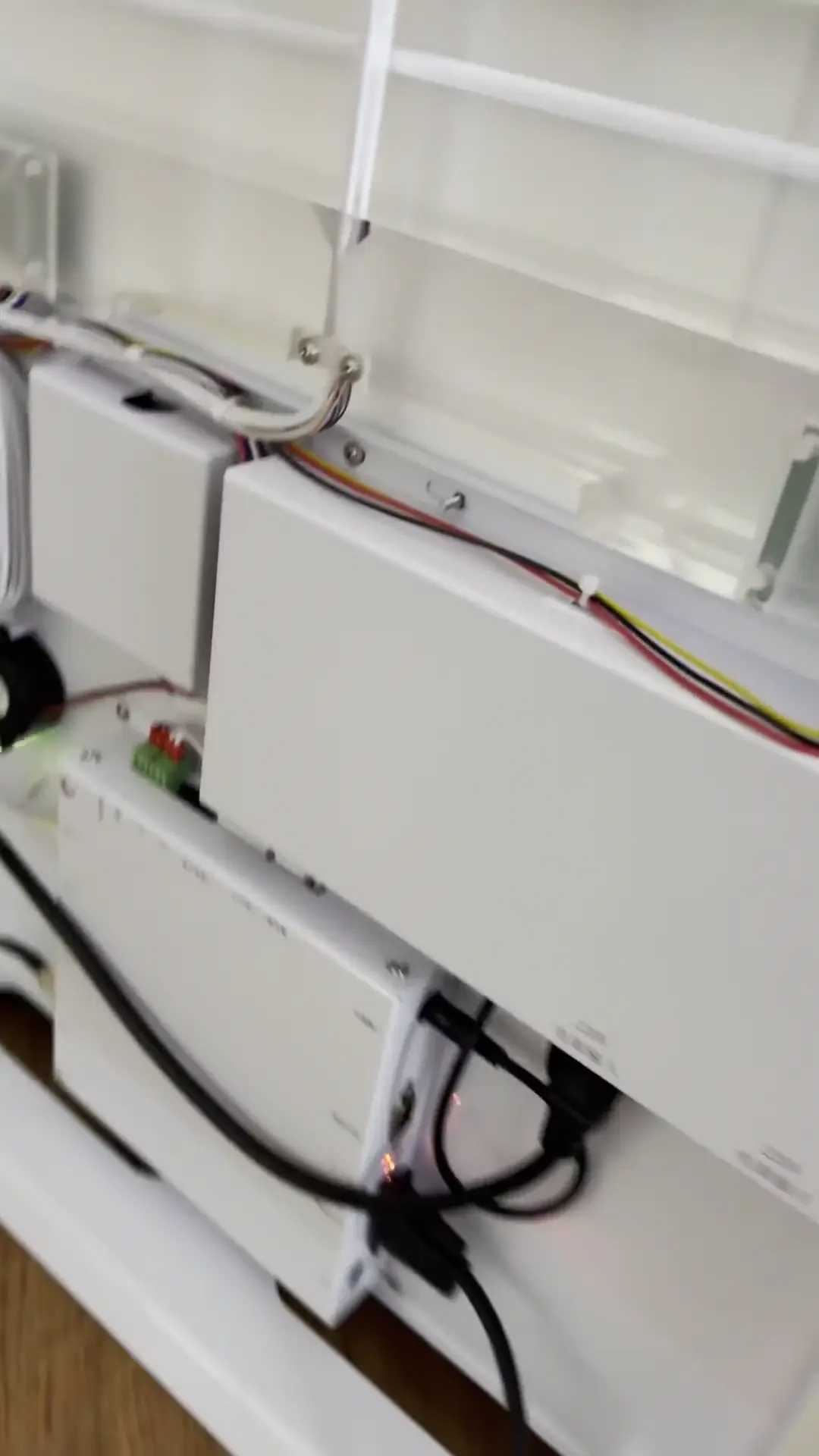
HF RFID Security Gate Complete Installation & Setup Guide

Chainway C72 UHF RFID Handheld Reader Live Field Demonstration

HF RFID Anti-Theft Security Gate Live On-Site Demonstration