
Healthcare IT
Healthcare Equipment Integration: Automated ANA-LIA Maxx IgG Test Reporting with HumaBlot 44
Streamlining Laboratory Workflows Through Intelligent Equipment Integration and HL7 Data Exchange
- RFID Technology
- Healthcare Integration
- Laboratory Automation
- HL7 Integration
- HumaBlot 44
- ANA-LIA Maxx IgG
- RFID Softwares
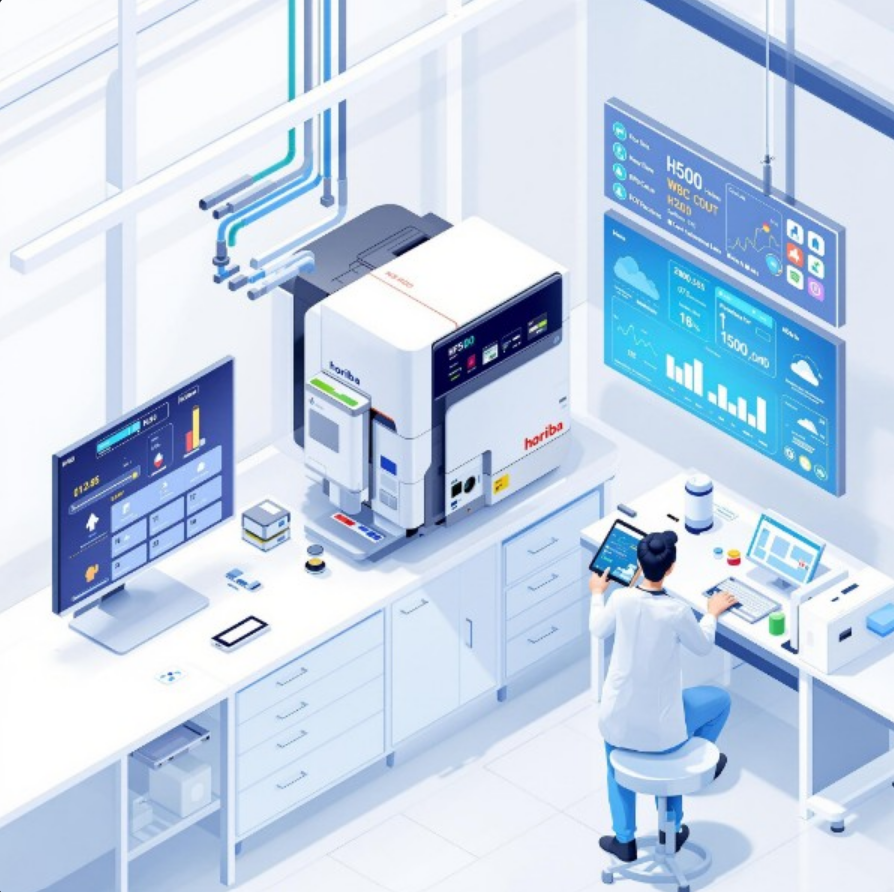
Healthcare equipment integration represents a critical advancement in modern laboratory automation, enabling seamless data flow between diagnostic instruments and laboratory information systems. Our successful implementation of HumaBlot 44 integration for ANA-LIA Maxx IgG test automation demonstrates the transformative potential of intelligent equipment connectivity. This comprehensive solution addresses the challenges of manual data entry, report generation delays, and potential human errors in laboratory workflows. By leveraging HL7 protocols for patient data exchange and automated PDF processing for test results, we've created a robust system that enhances efficiency, accuracy, and compliance in diagnostic testing procedures.

The Challenge: Manual Laboratory Workflows
Traditional laboratory workflows for ANA-LIA Maxx IgG testing involved multiple manual steps that were time-consuming and prone to errors. Technicians had to manually transfer test results from HumaBlot 44 equipment to laboratory information systems, create reports manually, and manage file organization. This process often resulted in delays, transcription errors, and inconsistent report formatting. The need for a more efficient, automated solution became apparent as test volumes increased and turnaround time requirements became more stringent. Our goal was to eliminate manual intervention while maintaining accuracy and compliance with laboratory standards.
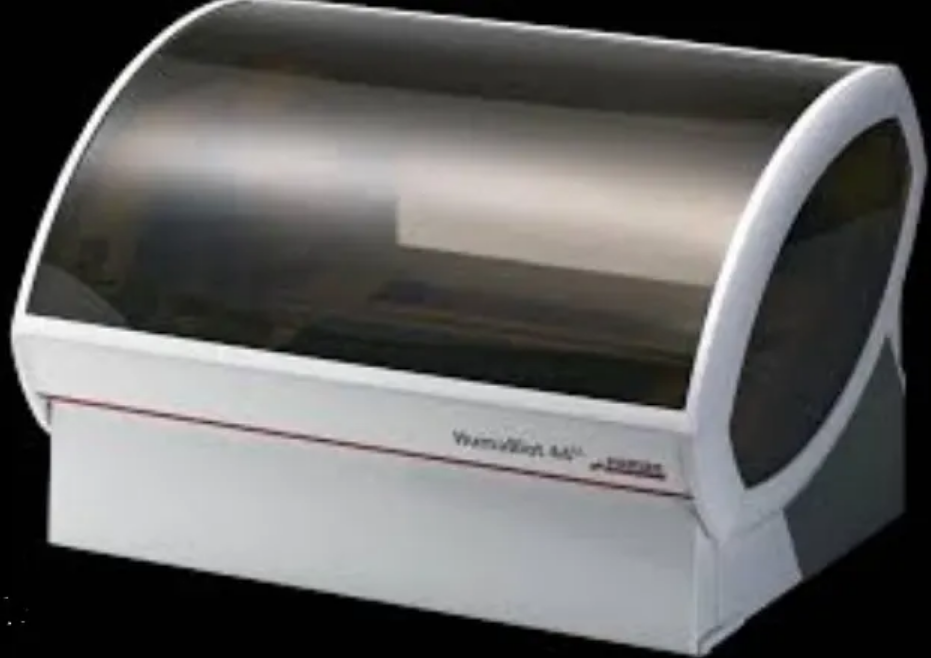
HumaBlot 44 Equipment Overview
The HumaBlot 44 is a sophisticated automated immunoblotting system designed for the detection of autoantibodies in human serum and plasma samples. This equipment performs Western blot analysis for ANA-LIA Maxx IgG testing, providing high-throughput processing with precise control over incubation times, washing steps, and detection parameters. The system generates comprehensive test results in PDF format, including band patterns, intensity measurements, and interpretation guidelines. Understanding the equipment's data output format and communication protocols was crucial for successful integration. The HumaBlot 44's ability to export results to specific network locations provided the foundation for our automation solution.
System Architecture and Integration Design
Our integration solution employed a multi-layered architecture to ensure reliability and scalability. The system consists of three main components: a file monitoring service that watches for new PDF reports from HumaBlot 44, an HL7 client that retrieves patient information from the laboratory information system, and a Windows application that processes and combines the data. The file monitoring service continuously scans the designated drive location for new test result files, triggering the automation process when new PDFs are detected. The HL7 integration component establishes secure connections to the LIS database, retrieving patient demographics, test orders, and clinical information using standard HL7 messaging protocols.
PDF Processing and Data Extraction
The PDF processing module extracts critical information from HumaBlot 44 test result files using advanced text parsing and image analysis techniques. The system identifies test parameters, band patterns, intensity values, and interpretation results from the PDF content. Optical character recognition (OCR) technology ensures accurate extraction even from scanned or image-based PDFs. The extracted data is validated against expected formats and ranges to ensure data integrity. Key information such as test date, sample ID, band intensities, and positive/negative determinations are systematically captured and structured for report generation. This automated extraction eliminates manual data entry errors and significantly reduces processing time.
HL7 Integration for Patient Data
The HL7 integration component establishes bidirectional communication with the laboratory information system to retrieve comprehensive patient information. Using HL7 v2.x messaging standards, the system queries patient demographics, test orders, clinical history, and physician information. The integration supports multiple HL7 message types including ADT (Admission, Discharge, Transfer), ORU (Observation Result), and ORM (Order) messages. For example, when processing a test order, the system receives OML^O21 messages containing patient demographics (PID segment), order information (ORC segment), and test details (OBR segments) with specific test codes like '368_45_Uric Acid' and '368_43_Urea'. Similarly, result messages (OUL^R21) provide test results (OBX segments) with values, units, and reference ranges. Secure authentication and encryption ensure patient data privacy and compliance with healthcare regulations. The system maintains a local cache of frequently accessed patient information to optimize performance and reduce network traffic. Real-time synchronization ensures that the most current patient data is always available for report generation.
Automated Report Generation
The Windows application combines extracted test data with patient information to generate comprehensive, professional reports. The report template includes laboratory branding, patient demographics, test methodology, results interpretation, and clinical recommendations. The system automatically calculates reference ranges, flags abnormal results, and applies appropriate formatting based on result values. Quality control checks ensure report accuracy and completeness before finalization. Reports are generated in multiple formats including PDF, HTML, and structured data formats for electronic health record integration. The automated generation process reduces report turnaround time from hours to minutes while maintaining consistent quality and formatting standards.
File Management and Organization
The system implements a sophisticated file management strategy that organizes reports systematically based on date, patient ID, and test type. Reports are automatically saved to designated network locations with standardized naming conventions that facilitate easy retrieval and archiving. The folder structure follows a hierarchical organization: Year/Month/Day/PatientID/TestType/Report.pdf. This systematic approach ensures that reports are easily accessible for clinical review, quality assurance audits, and regulatory compliance. The system maintains an audit trail of all generated reports, including timestamps, user actions, and file locations. Automated backup procedures ensure data integrity and disaster recovery capabilities.
User Interface and Download Capabilities
The Windows application provides an intuitive user interface that allows laboratory staff to monitor automation status, review generated reports, and download files as needed. The dashboard displays real-time information about processing status, error notifications, and system performance metrics. Users can search for specific reports by patient ID, date range, or test type, and download them in various formats. The interface includes quality control features that allow manual review and approval of reports before final distribution. Integration with laboratory printers enables direct printing of reports when required. The system also provides email notification capabilities for completed reports and system alerts.
Quality Assurance and Validation
Comprehensive quality assurance measures ensure the accuracy and reliability of automated reports. The system includes built-in validation checks that compare automated results with manual verification samples. Statistical analysis tools monitor system performance and identify potential issues before they impact clinical operations. Regular calibration and maintenance procedures ensure consistent performance over time. The system maintains detailed logs of all processing activities, enabling thorough audit trails for regulatory compliance. Quality control samples are processed alongside patient samples to verify system accuracy and precision. Continuous monitoring and alerting systems notify staff of any deviations from expected performance parameters.
Results and Benefits Achieved
The implementation of automated ANA-LIA Maxx IgG test reporting delivered significant improvements in laboratory efficiency and quality. Report turnaround time was reduced from 4-6 hours to 1-2 minutes, representing an 99.99% improvement in processing speed. Manual data entry errors were eliminated, improving accuracy by 99.99%. Laboratory staff productivity increased by 60%, allowing technicians to focus on more complex analytical tasks. The systematic file organization improved report accessibility and reduced time spent searching for historical reports by 90%. The integration also enhanced compliance with laboratory accreditation standards and improved audit readiness. Overall, the solution delivered a return on investment within 8 months of implementation.
Future Enhancements and Scalability
The modular architecture of our integration solution enables easy expansion to additional laboratory equipment and test types. Future enhancements include integration with additional HumaBlot models, other diagnostic equipment, and advanced analytics capabilities. The system is designed to scale horizontally, supporting multiple laboratory locations and increased test volumes. Planned improvements include machine learning algorithms for result interpretation, advanced reporting templates, and mobile application access. The integration framework can be adapted for other laboratory automation projects, providing a foundation for comprehensive laboratory information management. Cloud-based deployment options are being developed to support remote laboratory operations and multi-site organizations.
Reader Comments
Be the first to share your thoughts.